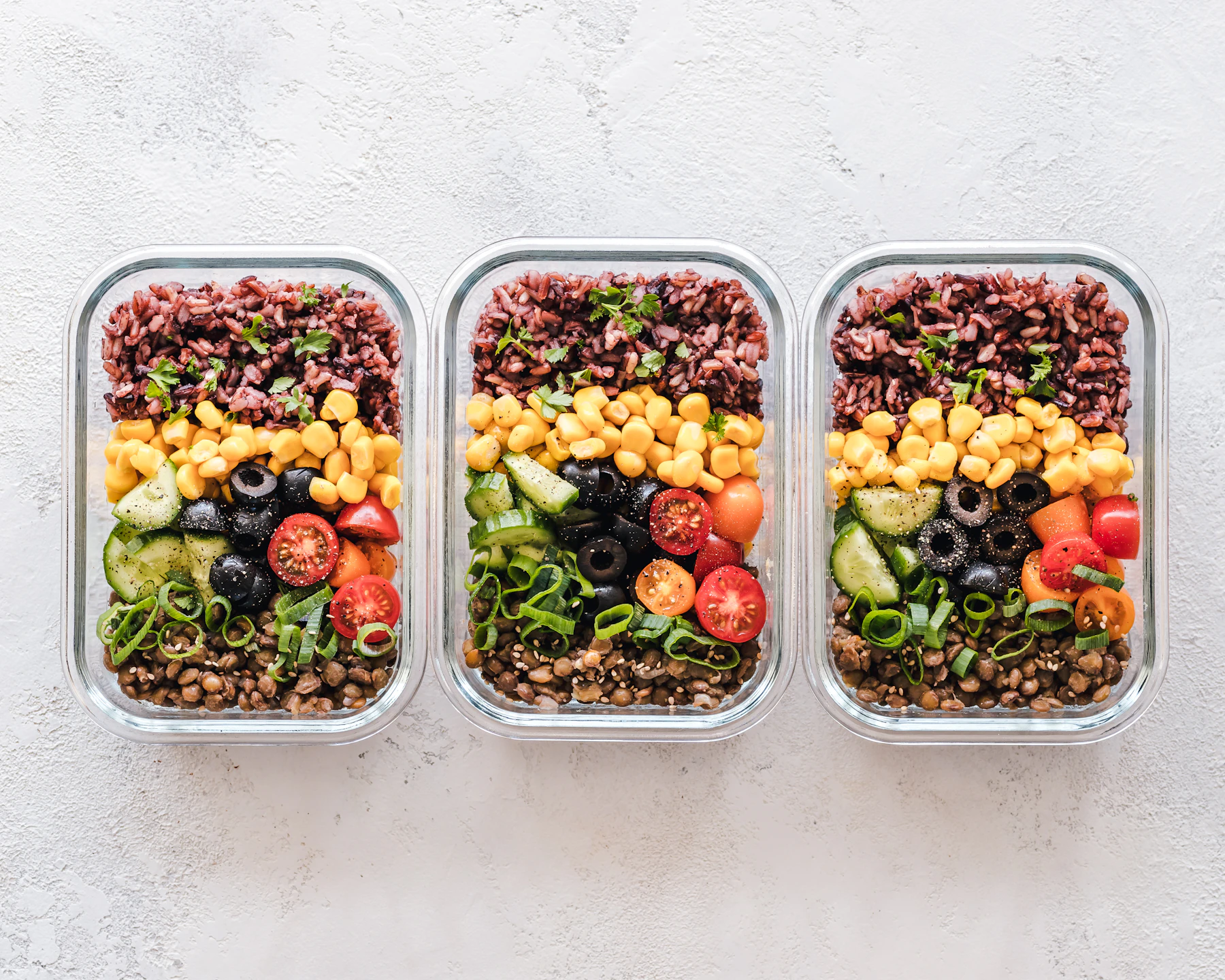
A recipe, a stock item and a product are three different things
Follow one imaginary bread offering from ingredients to a customer purchase, without mixing up the records.
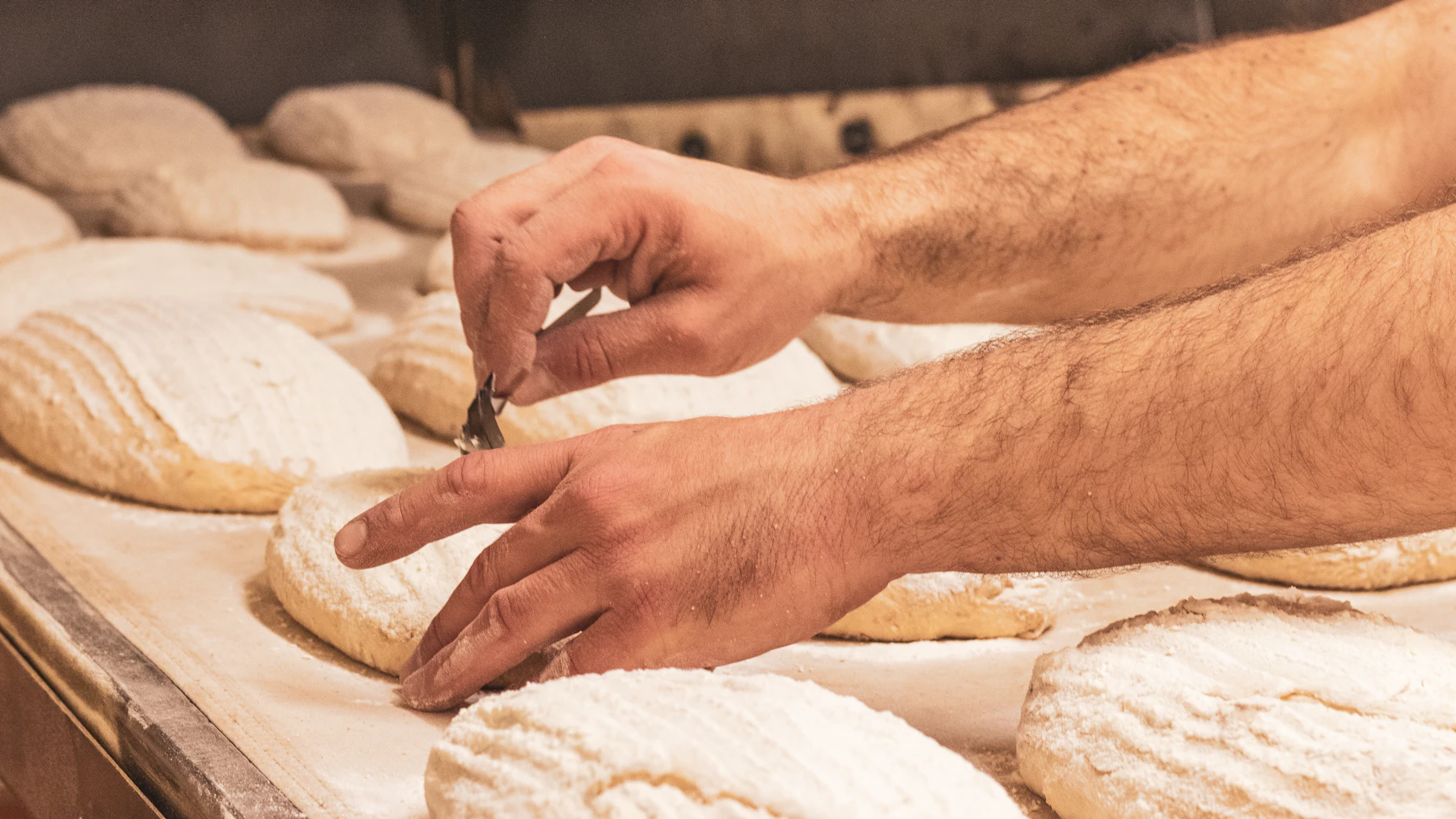
The customer sees a loaf of bread. The person making it sees ingredients, a method, quantities, time and a place in the day's work. Both views matter, but they answer different questions.
Consider a hypothetical bread business. This is an example of organizing records, not a recipe or production instruction. Its flour, bread recipe and loaf for sale belong in different places because each describes a different part of the operation.
The stock item describes what you hold
Flour is an input the business receives and uses. Its stock record needs a clear unit, such as kilograms, so a receipt and a recipe requirement can be understood together. A supplier's bag size and the quantity used in a batch may be different units that need a checked conversion.
A saleable product named 'loaf' cannot tell you how much flour is available. Likewise, a flour balance cannot tell you how many finished loaves are ready to sell. Those are separate questions, even when the records are connected.
The recipe describes how inputs relate to an output
The recipe records the inputs and the expected yield for a defined version of the work. It lets you reason about a planned batch and compare what you expected with what happened.
If the recipe changes, keep that change understandable. A new ingredient quantity or a different portion size can affect future requirements and costs. Do not assume that editing today's recipe should rewrite the explanation for a batch made last week.
The product describes what the customer buys
The product might be one loaf, a two-loaf pack or a subscription offer. It needs a customer-facing name, a clear description and the applicable selling arrangement. Several products can involve the same recipe while differing in pack size or presentation.
Changing the product's price is a commercial decision. Changing the recipe's ingredient quantity is a production decision. They may be related, but treating them as the same field makes it harder to see why a result changed.
Follow one batch across the boundaries
For a first check, choose one offering and write down its stock inputs, recipe version, planned yield and saleable pack. Then trace the supported production and order workflow in your setup. Confirm where quantities are recorded and which action, if any, creates a stock movement.
Avoid recording the same usage twice because one screen looked unfinished. When a quantity seems wrong, follow the records behind it before making an adjustment. Clear distinctions make that investigation easier: what arrived, what was used, what was produced and what the customer ordered.